
Optimise your router’s placement
Choosing the right router is key but setting it up properly is just as important. This guide will let you know where to place your router, avoid common signal blockers, and ultimately get the most out of your home internet setup.
Where to put your router
Good placement of your router will ensure you get the best Wi-Fi performance possible.
If you’re looking for a better Wi-Fi experience without the frustration, start by giving your router a prime spot in the house:
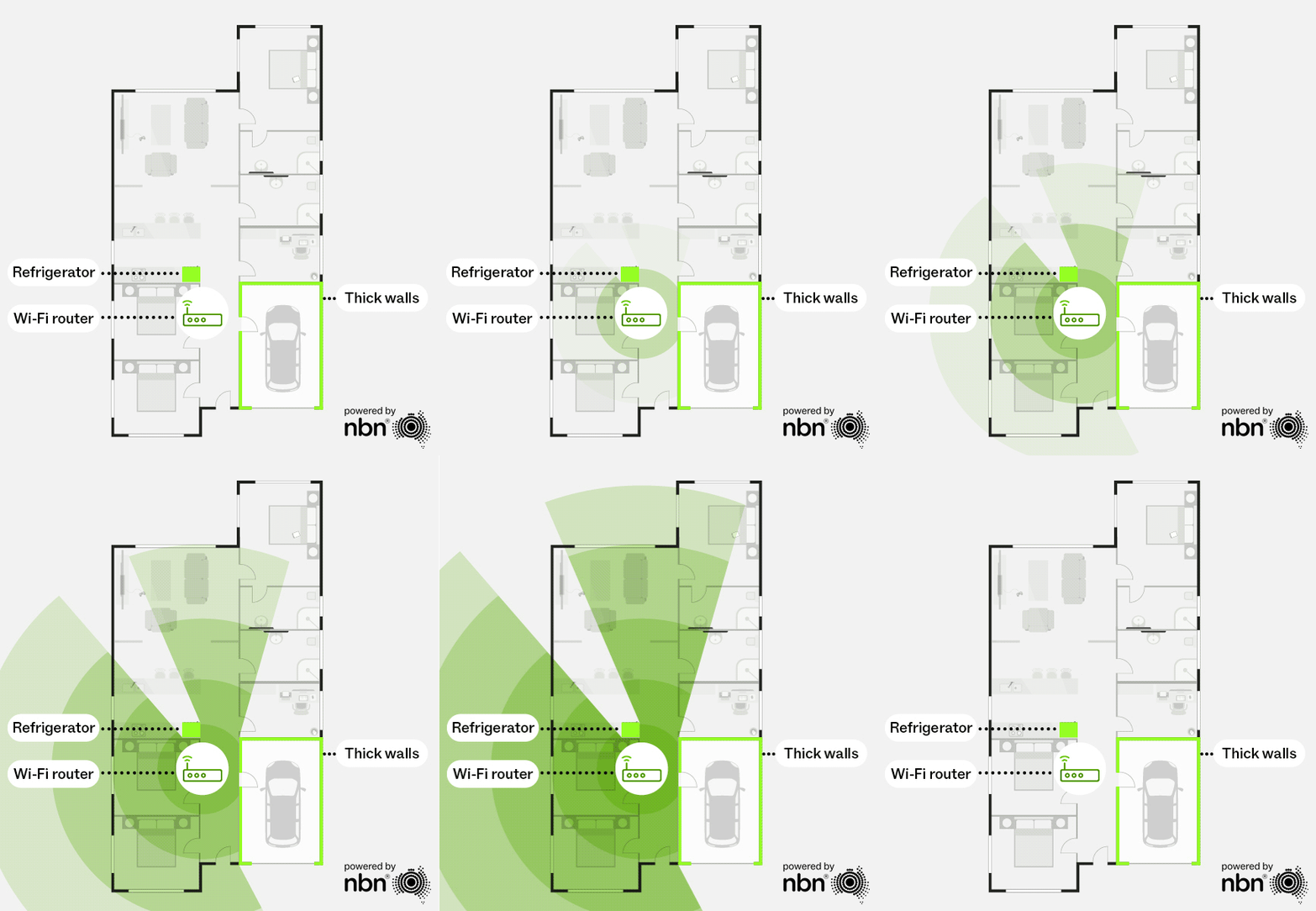
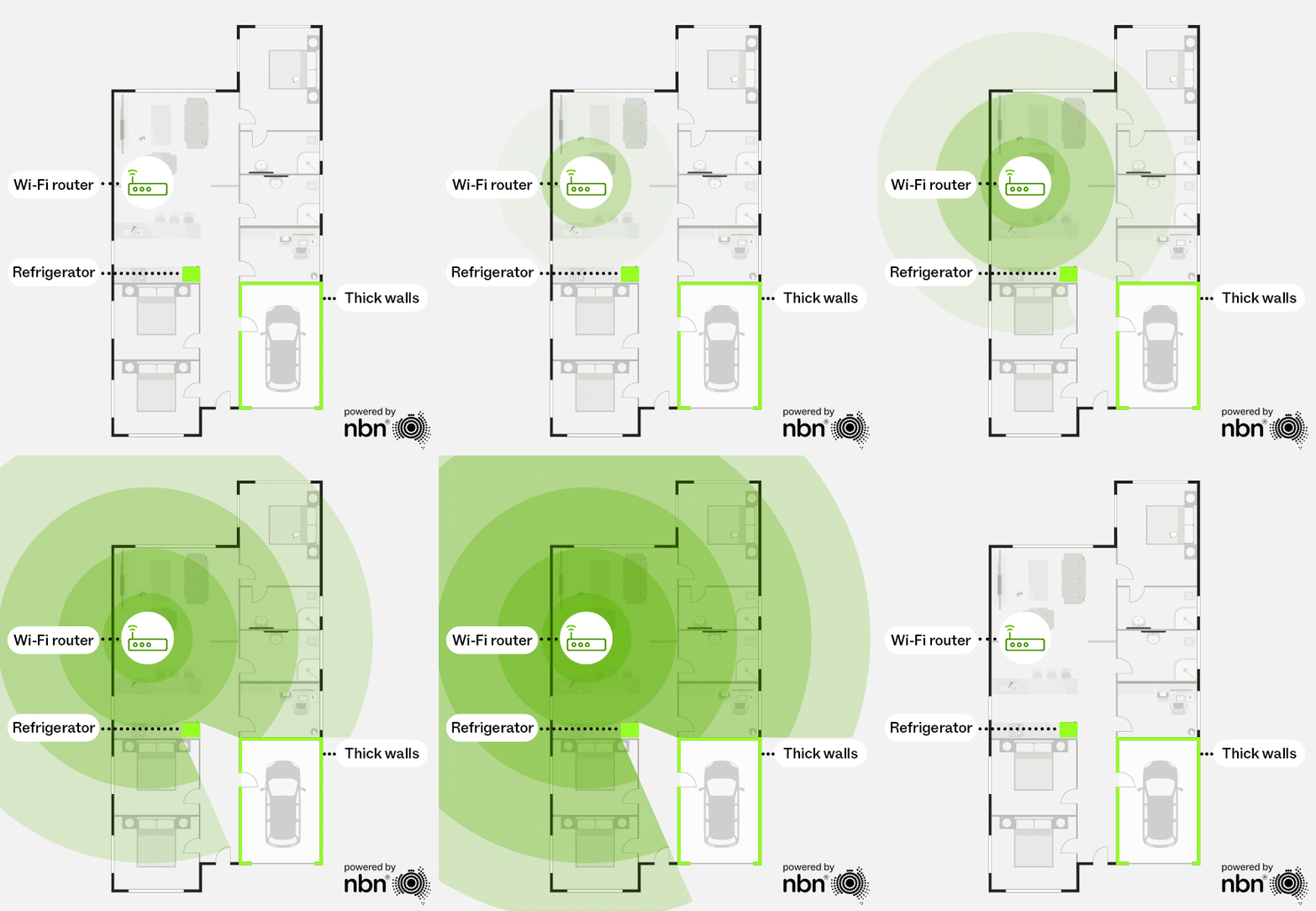
- Place your router close to where most of your connected devices are used, preferably with a clear line of sight to your devices. Your signal should pass through as few walls or objects as possible.
- It’s best to have your router in a central, elevated area if possible.
- Avoid placing your router on the floor, behind furniture, or in a cabinet.
- You may be tempted to hide the router behind objects such as a framed photo or a potted plant; while this may look tidy, this can negatively impact your signal.
Original Wi-Fi router location
Source: nbn®
Optimal Wi-Fi router location
Source: nbn®
What’s messing with your Wi-Fi signal?
Many factors can impact your Wi-Fi signal. So, when choosing the right spot for your router, be sure to consider the following:
- Thick walls: materials like concrete or brick can weaken your signal.
- Metal surfaces and construction: metal acts as a barrier, impacting your signal. This includes steel framing, filing cabinets, and your fridge.
- Large bodies of water: a nearby fishtank or hot water system can absorb Wi-Fi signals and create dead zones.
- Interference from other devices: cordless phones, baby monitors, microwaves, Bluetooth speakers, and even some smart home hubs can interfere with your signal, especially on the 2.4GHz band.
Mesh router placement tips
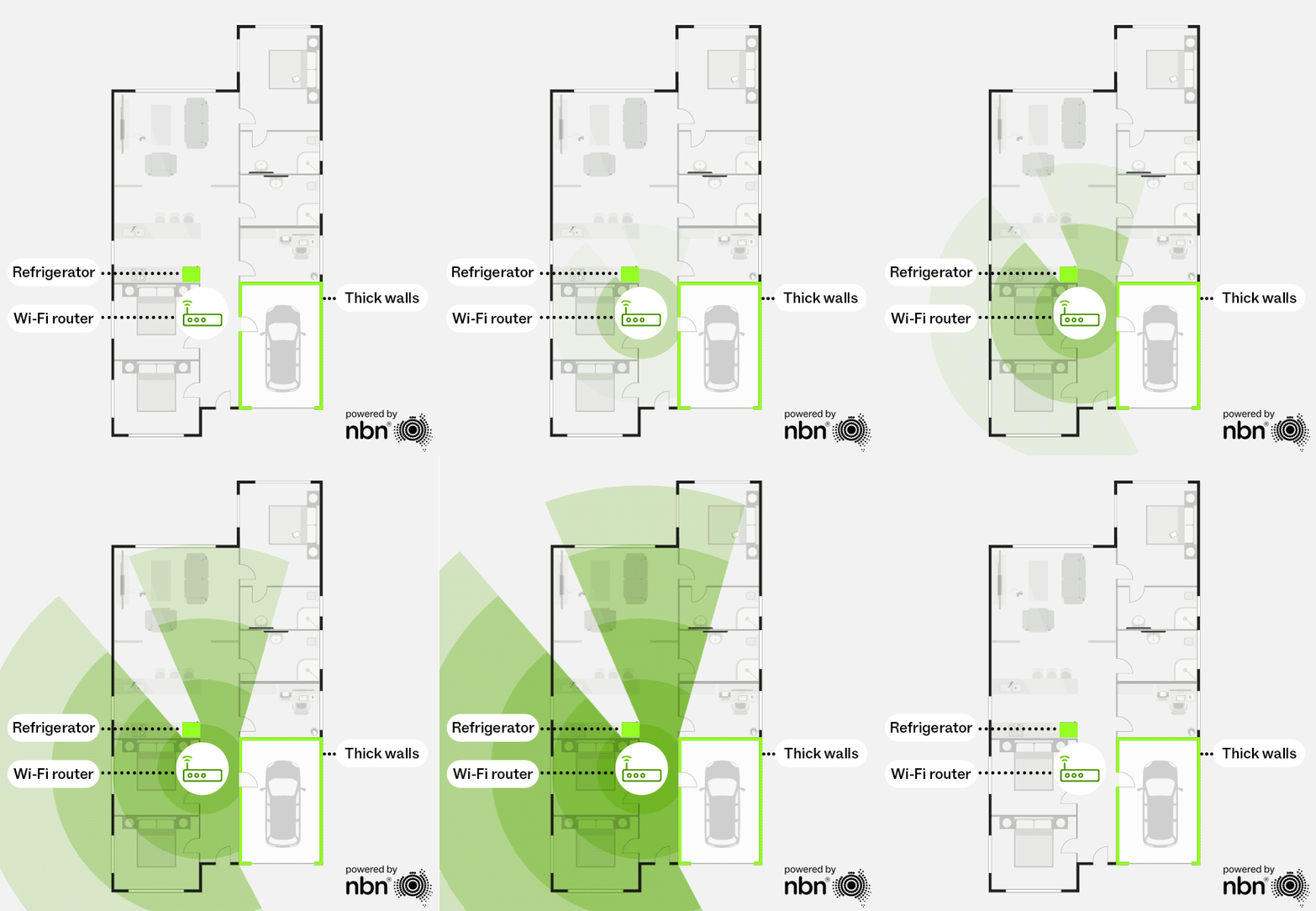
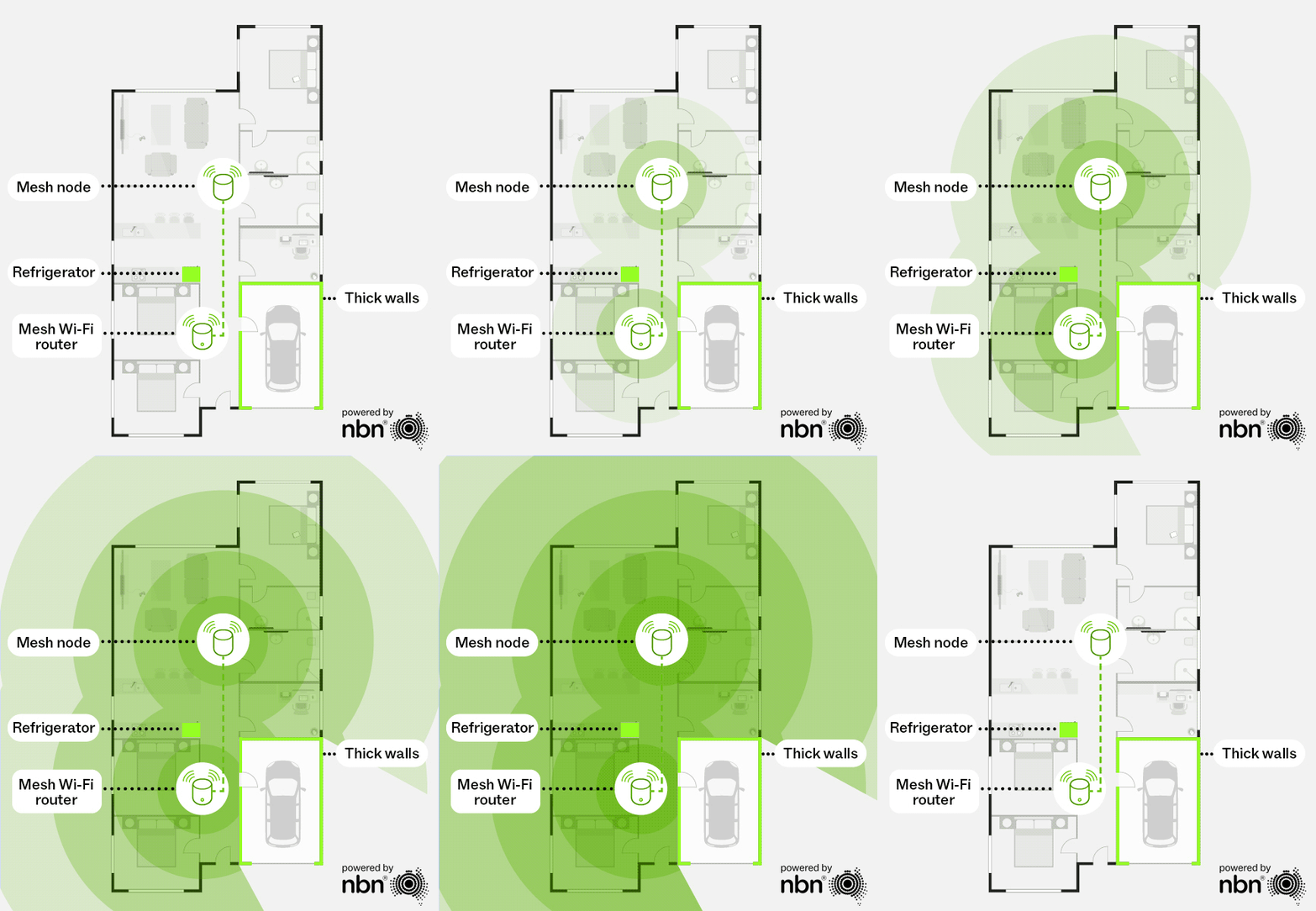
While placement of your router is important, if you have a mesh network, you should also consider where to position the additional nodes.
Each mesh node should be placed close enough to maintain a strong signal strength with the main router or the next upstream node—ideally with a clear line of sight. If the connection between nodes is weak, it can slow down your overall network performance.
Without a mesh network
With a mesh network


Router connection guide
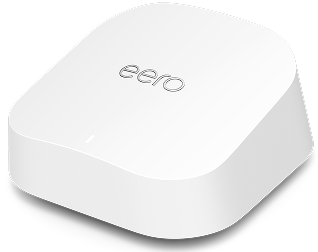
eero 7 & pro 7
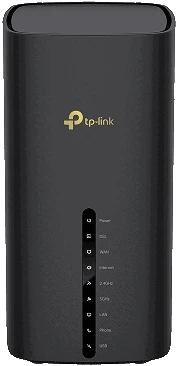
TP-Link VB433v
VB433v – Router Connection Guide – Frontier Networks FTTP
VB433v – Router Connection Guide – Frontier Networks VDSL
VB433v – Router Connection Guide – Lynham Networks (Lightning) FTTP
VB433v – Router Connection Guide – Neoloop FTTN
VB433v – Router Connection Guide – nbn® FTTC, FTTP, FW & HFC
VB433v – Router Connection Guide – nbn® FTTN
TP-Link VX230v
VX230v – Router Connection Guide – ASN WAN
VX230v – Router Connection Guide – Frontier Networks VDSL
VX230v – Router Connection Guide – Frontier Networks WAN
VX230v – Router Connection Guide – Lynham Networks (Lightning)
VX230v – Router Connection Guide – Neoloop FTTN
VX230v – Router Connection Guide – Neoloop FTTP
VX230v – Router Connection Guide – nbn® Fixed Wireless
VX230v – Router Connection Guide – nbn® FTTC
VX230v – Router Connection Guide – nbn® FTTN
VX230v – Router Connection Guide – nbn® FTTP
VX230v – Router Connection Guide – nbn® HFC
VX230v – Router Connection Guide – nbn® WAN
VX230v – Router Connection Guide – Opticomm VDSL
eero 6+
eero Max 7
TP-Link Archer C6
TP-Link Archer C7
TP-Link VR300
VR300 – Optimising your router
VR300 – Router Connection Guide – Lynham Networks (Lightning)
VR300 – Router Connection Guide – nbn® Fixed Wireless
VR300 – Router Connection Guide – nbn® FTTC
VR300 – Router Connection Guide – nbn® FTTN-FTTB
VR300 – Router Connection Guide – nbn® FTTP
VR300 – Router Connection Guide – nbn_HFC
TP-Link VR400
VR400 – Optimising your router
VR400 – Router Connection Guide – nbn® Fixed Wireless
VR400 – Router Connection Guide – nbn_FTTC
VR400 – Router Connection Guide – nbn® FTTN-FTTB
VR400 – Router Connection Guide – nbn_FTTP
VR400 – Router Connection Guide – nbn_HFC